The GOG GALAXY login uses your regular GOG.com account. When sign-in fails, the cause is usually one of a handful of things. Try these fixes in order.
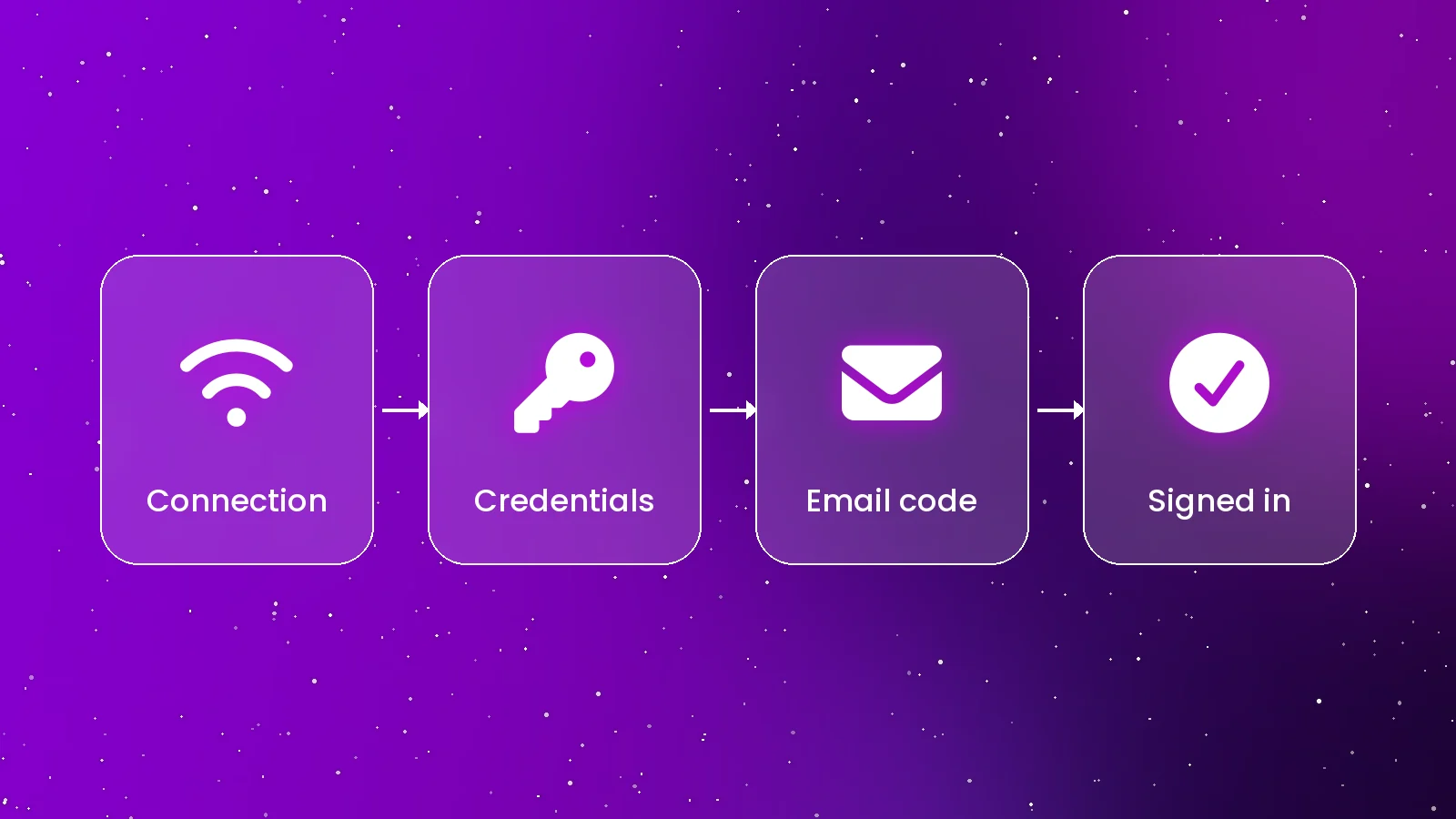
1. Check Your Connection
Open gog.com in a browser. If the site doesn't load, the problem is your connection or a temporary GOG outage — not the app. Firewalls, VPNs and network filters can also block the client while letting the browser through, so try temporarily disconnecting a VPN.
2. Confirm Your Email and Password
Sign in at GOG.com with the same details. If that fails, use "Forgot your password?" on the website to reset it, then use the new password in GOG GALAXY. Note that accounts created through a third-party login may need a password set before you can use email sign-in.
3. Enter the Two-Step Code
If two-step login is on, GOG sends a code to your email. Check spam and promotions folders, and use the newest code — older ones expire.
4. Reset a Stuck Session
- Sign out from the account menu, quit the app completely, and reopen it.
- Restart your computer to clear background processes that may be holding an old session.
- Make sure your system clock is correct — wrong time settings can break secure connections.
5. Reinstall the Client
If the login window is blank or never loads, reinstall the latest version from gog.com/galaxy. On Windows, confirm your system is 64-bit Windows 10 or newer; on Mac, macOS 14 or newer on Apple silicon. Older systems need the legacy 2.0 build.
Login Problems With Integrations
Signing in to Steam, Epic or Xbox inside GOG GALAXY is separate from your GOG login. If an integration keeps asking you to sign in, disconnect it under Settings → Integrations and connect again. See our integrations guide.
When to Contact GOG
If you suspect someone else accessed your account, or none of these steps work, contact GOG Support. This independent site can't access or reset GOG accounts.
Conclusion
Most sign-in problems come down to connection, credentials or an expired code. Fix those, reset the session if needed, and you'll be back in your library. More fixes live on our troubleshooting page.
Quick Answers
Do I need a separate GOG GALAXY account?
No. You sign in with your normal GOG.com account.
Why does GOG GALAXY ask for a code?
If two-step login is enabled on your GOG account, GOG emails a code to confirm it's you.