The feature that makes GOG GALAXY special is its integrations — connectors that sign in to other platforms and import what you own. Once they're set up, a Steam game, an Epic freebie and an Xbox title sit together in one sortable library.
Official vs Community Integrations
GOG maintains some integrations itself — the Epic Games Store integration, for example, became official in 2020. Others are built by the community using GOG's integrations API, which is published on GitHub. Steam support has historically come from community projects.
The difference matters: official integrations are updated by GOG, while community ones depend on volunteers and can stop working for a while when another platform changes something.
How to Connect a Platform
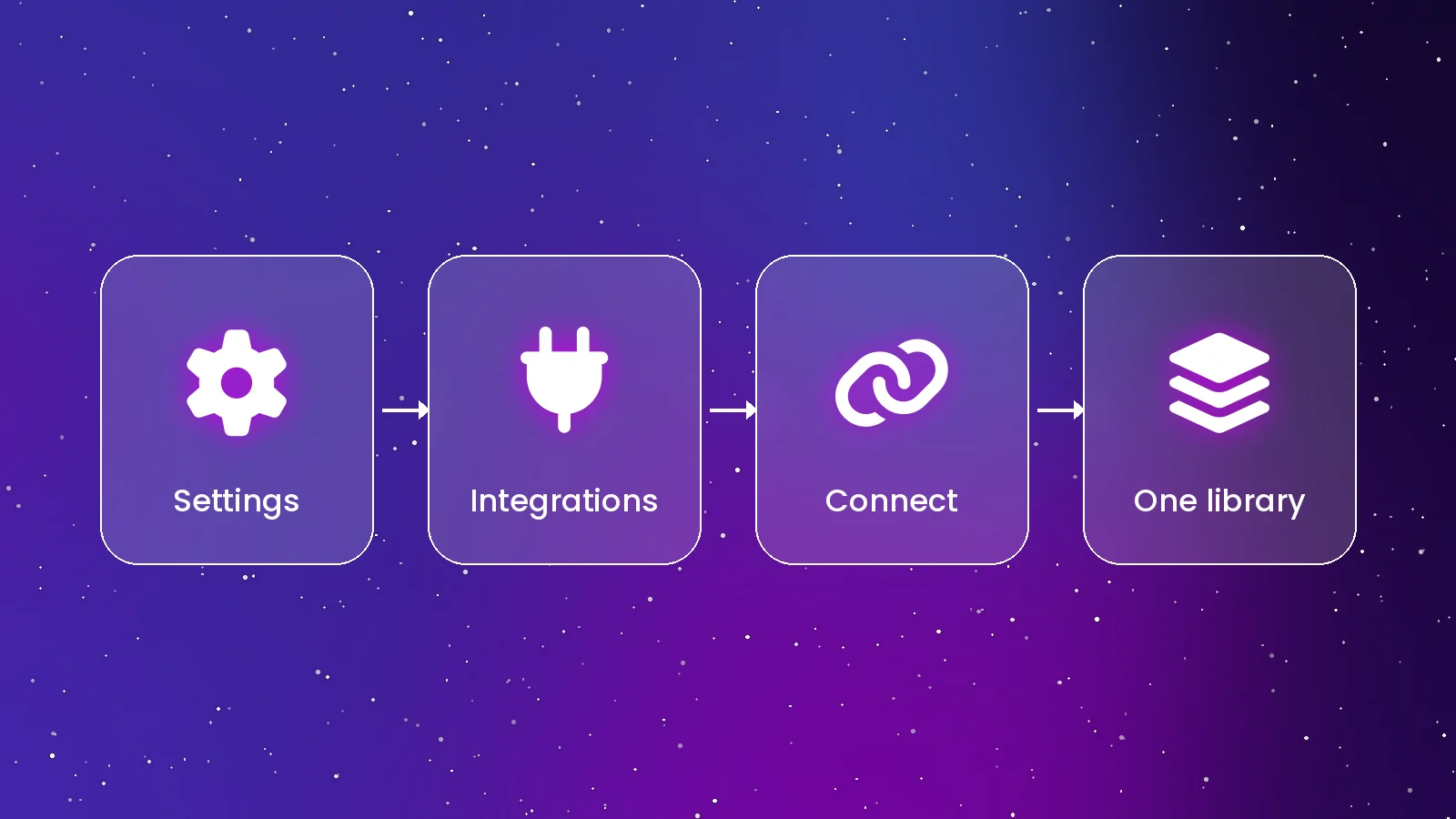
- Open the menu with the gear icon and choose Settings.
- Select Integrations. Use the search box if the list is long.
- Click Connect next to the platform and sign in on the page that opens.
- Wait for the first sync. Games, play time, achievements and friends appear as they're imported.
What Gets Imported
- Owned games — including subscription titles where supported, such as Xbox Game Pass.
- Play time and achievements — shown alongside your GOG stats.
- Friends and their online status — for platforms that share it.
- Tags — some integrations can import categories you created on the other platform.
When Games Don't Show Up
- Check privacy settings. For Steam, game details must be visible for some import methods to work.
- Reconnect. Disconnect the integration, restart GOG GALAXY and connect again to force a fresh import.
- Update community integrations. Check the project page for a newer release after platform changes.
- Look for stacks. A game owned on two platforms shows as one entry; use the switcher on its page to pick the copy.
Launching Games From Other Stores
When you press Play or Install on a Steam or Epic game, GOG GALAXY asks that platform's client to do the work. Keep those launchers installed; you can set integrations to close the other client when you exit a game.
A Word on Security
Community integrations are code running on your computer with access to your accounts on other platforms. Install them only from sources you trust, preferably through the built-in Integrations list.
Conclusion
Connect each platform once and GOG GALAXY keeps your library in sync. Next, organise it with tags and saved views using our usage guide.
Sources: GOG GALAXY changelog; GOG galaxy-integrations-python-api on GitHub.
Quick Answers
Are integrations free?
Yes. Connecting platforms costs nothing; you only need accounts on those platforms.
Can GOG GALAXY install Steam games?
It can start the install, but Steam itself downloads and runs the game, so Steam must be installed.