Searching for a GOG GALAXY download usually gets you a single button — but since 2026 there are effectively two versions of the app, and the right one depends on your operating system. This guide explains the difference so you install a build that actually runs.
The Short Answer
- 64-bit Windows 10 or Windows 11: install the current 2.1 build (version 2.1.10.56 at the time of writing).
- Apple silicon Mac on macOS Sonoma 14 or newer: install the current 2.1 build.
- Windows 7, 8, 8.1, 32-bit Windows 10, Intel Macs or older macOS: use the legacy GOG GALAXY 2.0 installer.
GOG announced the change in a support article: from 2.1 onwards, the client runs only on 64-bit Windows 10 or newer and macOS Sonoma or newer. Version 2.0 remains available for everyone else but won't get new updates.
How to Check Your System
On Windows
Press Win + R, type winver and press Enter to see your Windows version. Then open Settings → System → About and look at System type — it should say 64-bit operating system.
On a Mac
Open the Apple menu → About This Mac. If the chip line says Apple M1, M2, M3 or later and the macOS version is 14 (Sonoma) or newer, you can use 2.1. A line reading "Processor" with an Intel CPU means you need 2.0.
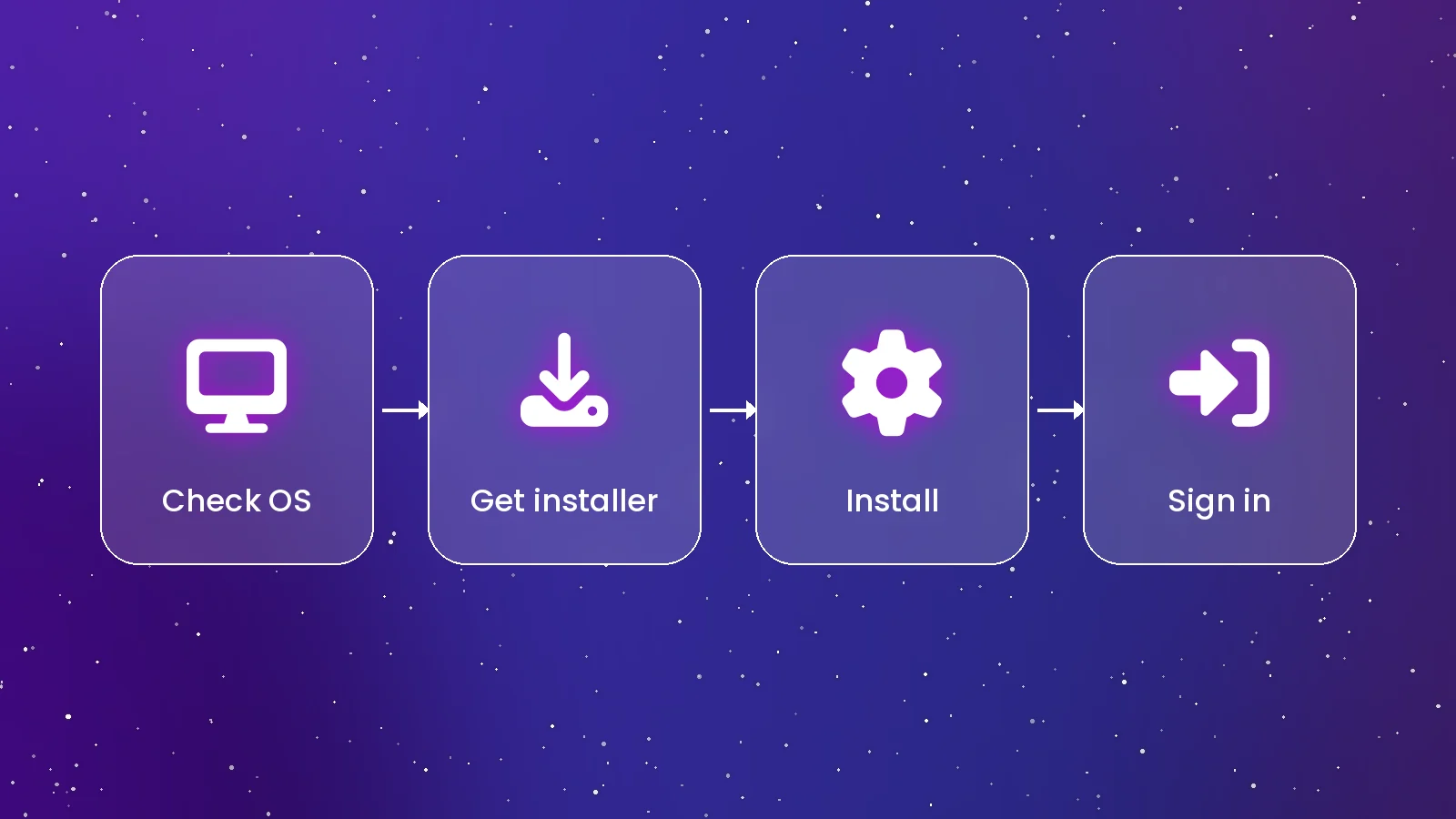
Where to Download Safely
The only source you need is GOG's official page at gog.com/galaxy. It detects your operating system and serves the right file. Two package managers fetch the same official installer:
winget install --id GOG.Galaxy -e
brew install --cask gog-galaxy
Skip "mirror" sites that re-host the installer. GOG GALAXY is closed-source, so there's no GitHub release to verify against, and GOG doesn't publish checksums — your best protection is downloading from GOG itself and checking that Windows lists GOG as the publisher.
What You Actually Download
On Windows the first file is a small web installer — around 1 MB — that fetches the rest of the client during setup. On Mac you get a full .pkg package. Either way, once installed the app updates itself in the background, so the version number you start with won't stay the same for long.
Should You Stay on 2.0?
Only if you must. The legacy build still opens your library and installs GOG games, but it won't receive bug fixes, new integrations or security patches. If your hardware can run Windows 10 64-bit or a newer macOS, upgrading the operating system is the better long-term move.
After Installing
Sign in with your GOG account, then connect your other stores under Settings → Integrations. Our installation guide walks through each step, and the integrations article explains how to bring Steam, Epic and Xbox games into one library.
Conclusion
Pick 2.1 for any modern 64-bit Windows PC or Apple silicon Mac, fall back to 2.0 only for older systems, and always download from GOG. That's all it takes to get a working, up-to-date client. Ready? Head to our download page.
Sources: GOG Support — system requirements and end-of-support notice; Homebrew cask listing.
Quick Answers
Is the GOG GALAXY download free?
Yes. The client is free on Windows and macOS; you only need a free GOG account.
Can I still download GOG GALAXY for Windows 7?
Not the current build. GOG keeps version 2.0 available for older systems, but it no longer receives updates.