Searches for GOG Galaxy Mac have a new answer in 2026. With version 2.1, GOG rebuilt the client for Apple silicon — and stopped supporting Intel Macs. Here's how to get set up.
Mac Requirements
- Chip: Apple silicon (M-series).
- Operating system: macOS Sonoma 14 or newer, with the latest updates.
- Account: a free GOG account.
GOG's support centre lists these as the 2.1 requirements. If your Mac doesn't meet them, version 2.0 is still available — it needs macOS 10.15 or newer — but it no longer gets updates.
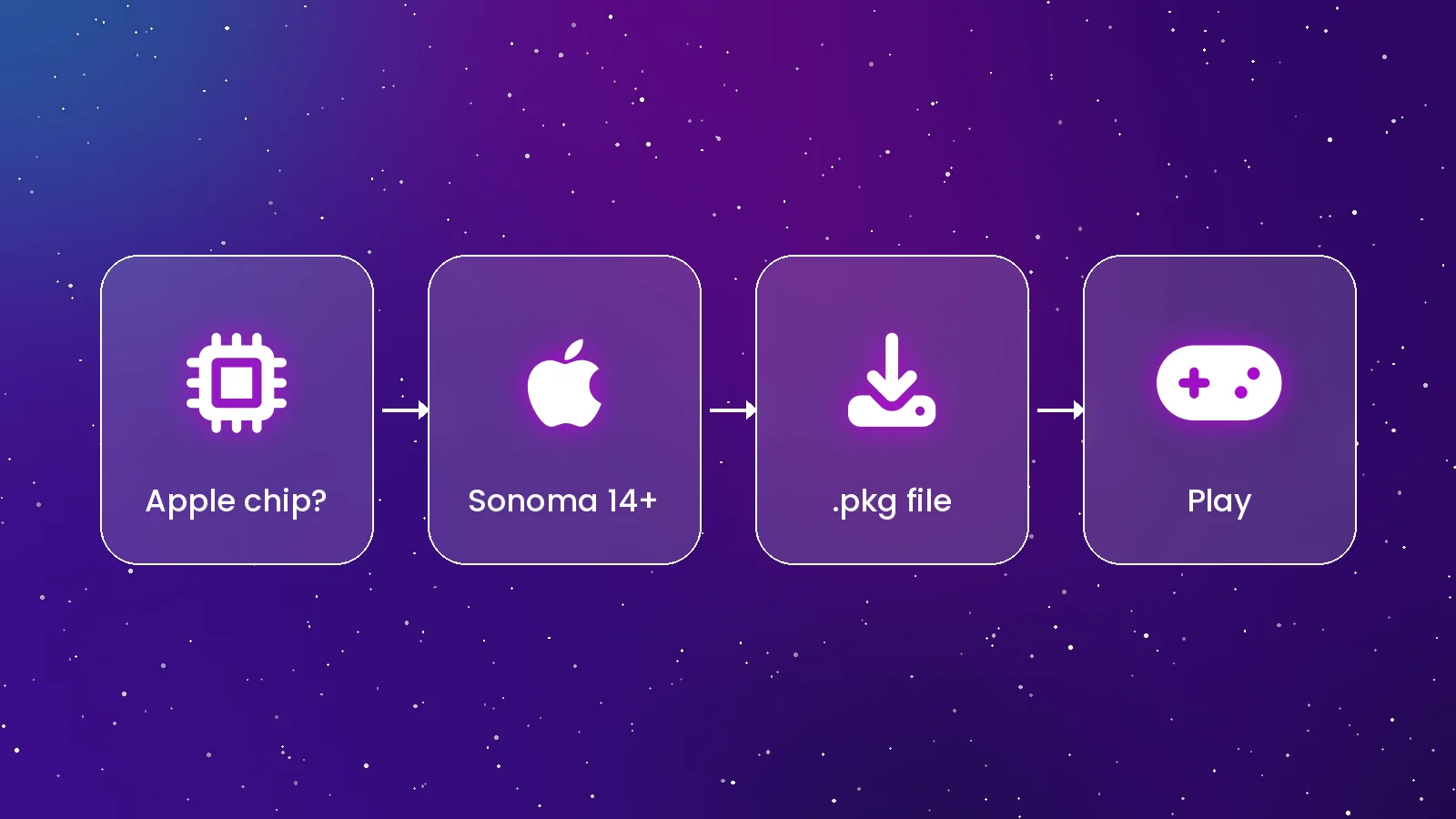
Installing on macOS
- Download the Mac installer from gog.com/galaxy. It arrives as a
.pkgfile. - Double-click the package and follow the installer, entering your password when asked.
- Open GOG GALAXY from Applications or Launchpad and confirm if macOS asks about an app downloaded from the internet.
- Sign in and let your library load.
Homebrew users can run brew install --cask gog-galaxy; the cask installs GOG's official package.
Which Games Work?
GOG GALAXY on Mac shows your whole library, including Windows-only games, but it can only install games that have a macOS version. Look for the Mac icon on a game's store page or use the operating-system filter in your library. Integrations still import games and play time from other platforms, so the Mac app works as a full library browser even for games you play elsewhere.
If You Have an Intel Mac
You have three options: keep using GOG GALAXY 2.0, download GOG games as offline Mac installers from GOG.com, or try a community launcher such as Heroic Games Launcher, which supports macOS. Remember that 2.0 won't get fixes, so treat it as a stopgap.
Tips for Mac Players
- Keep macOS updated — GOG's requirements assume the latest system updates.
- Use Power Search with Cmd + F to jump to any game.
- Check cloud-save support before switching between Mac and PC.
Conclusion
On an Apple silicon Mac with Sonoma or later, GOG GALAXY 2.1 installs in minutes and runs natively. Older Intel Macs can use 2.0 or offline installers. See the full installation guide or go straight to the download page.
Quick Answers
Does GOG GALAXY run natively on Apple silicon?
Yes. Version 2.1 is a native Apple silicon build.
Will Windows-only games run on my Mac?
Not through GOG GALAXY alone. Install the Mac version of a game where one exists; Windows-only titles need separate compatibility software.